The honest answer: it depends on what you’re trying to build. A solo instructor launching their first course has completely different needs than someone running corporate training for 800 employees.
This guide covers the three plugins that consistently come up for good reasons FoxLMS, LearnDash, and LifterLMS and more importantly, how to figure out which one is actually right for your situation before you spend time setting one up.
Key Takeaways
- FoxLMS is the fastest to set up and works without WooCommerce good starting point for most solo instructors
- LearnDash is genuinely powerful but expects you to be comfortable in WordPress already
- LifterLMS makes sense if marketing automation is as important to you as course delivery
- Your hosting setup matters as much as your plugin choice bad hosting breaks any LMS
- Test with real content, not placeholder text the admin interface is where you’ll spend most of your time
Why WordPress Instead of Teachable or Thinkific
The platform fee question is the obvious one. Teachable charges monthly plus a transaction cut on sales they don’t drive. On WordPress, you pay payment processing (2.9% + 30 cents, same as anywhere) and that’s it.
But the more important reason is ownership. On a hosted platform, your student list lives on their servers. Your course content is in their system. If they raise prices, change terms, or shut down, you’re in a difficult position. With WordPress, everything is yours.
Migration is also genuinely painful. Moving hundreds of students, course content, and completion records from one system to another takes weeks. Starting on WordPress means you’re building something you won’t need to move later.
One practical thing most people don’t think about until they’re mid-setup: WordPress integrates with tools you’re probably already using. Email marketing, analytics, membership plugins, payment processors they all have WordPress integrations. Hosted platforms often make you use their version of these tools instead.
The Three Plugins Worth Considering
FoxLMS Best starting point for most instructors
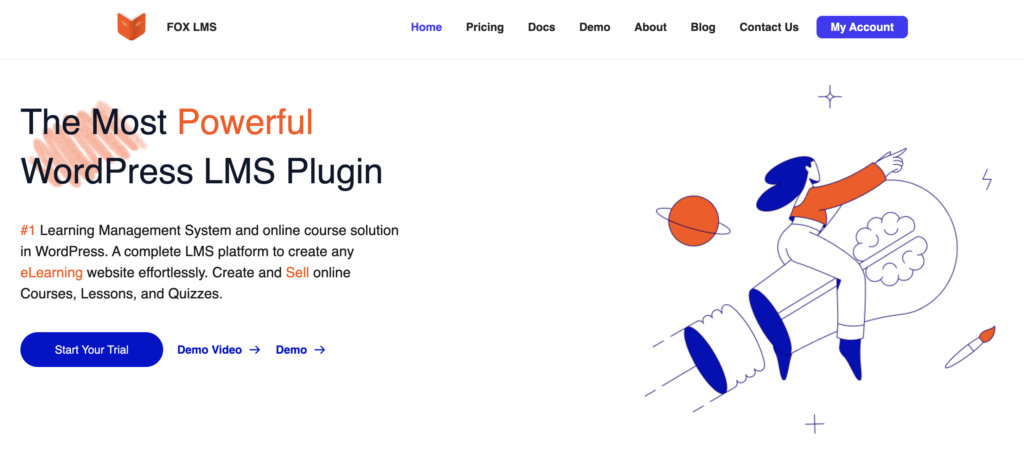
FoxLMS was designed for instructors who want to start selling without spending two weeks on configuration. The course builder is visual, the interface is clean, and you can have something functional in under an hour.
The thing that stands out compared to the alternatives: it works without WooCommerce. A lot of instructors don’t need a full e-commerce setup. They have one or two courses, they want to take Stripe or PayPal payments, and they want it to be simple. FoxLMS handles this directly without requiring you to install and configure a separate plugin.
If you want to see what the course setup process actually looks like in FoxLMS, this walkthrough covers it step by step.
What FoxLMS features you get:
- Drag-and-drop course builder
- Student progress tracking with a reporting dashboard
- Quiz and assignment tools
- Certificate generation
- Drip content scheduling
- Multi-instructor support
- Direct payment integration (no WooCommerce needed)
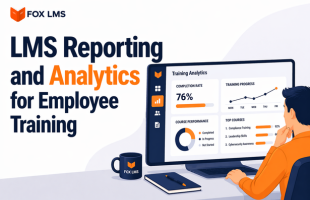
The reporting dashboard is worth mentioning specifically. It shows you which students are behind, which lessons have high drop-off, and where people are spending extra time. It’s practical data, not just completion percentages.
Where it’s not the right choice: if you need complex prerequisite logic, branching learning paths, or deep integration with enterprise HR systems, FoxLMS isn’t built for that level of complexity.
LearnDash For complex programs and enterprise use
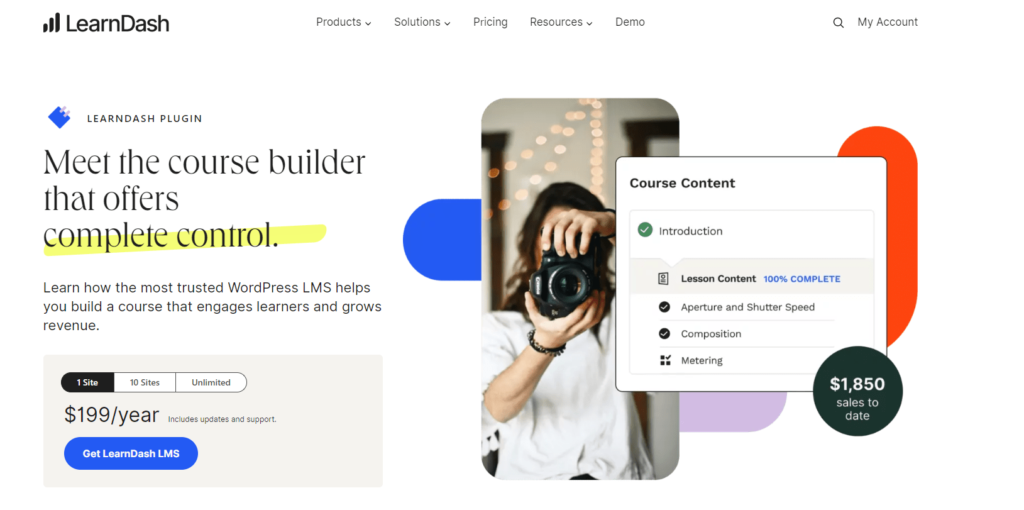
LearnDash powers courses for universities and large companies, which gives you a sense of both its capability and its complexity. If you’re building intricate certification paths, need to connect with an existing LMS or HR system, or are managing corporate training at scale, it handles things the others don’t.
The tradeoff is a steeper setup process. The interface isn’t unfriendly, but it expects you to already be comfortable in WordPress. First-time users often find themselves reading documentation for features that other plugins make obvious.
It also requires WooCommerce for payment processing. That’s not a dealbreaker, but it’s an extra layer to set up and maintain.
Good fit for:
- Corporate training programs with compliance requirements
- University or certification-level courses
- Multi-level learning paths with prerequisites
- Organizations needing API integration with other business systems
LifterLMS When marketing is as important as the course
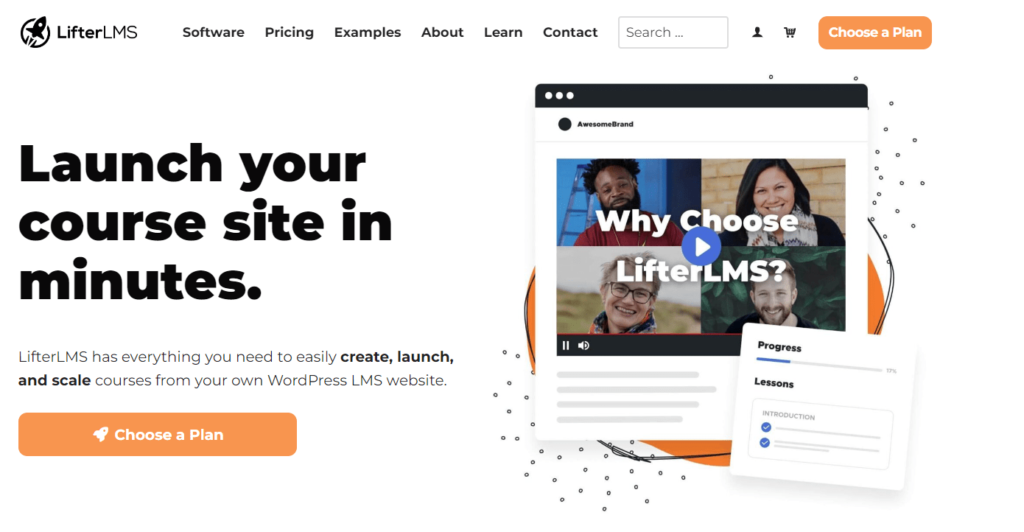
LifterLMS sits at an interesting intersection of course delivery and marketing automation. The course tools are solid, but what makes it different is the built-in marketing layer: automated email sequences triggered by student behavior, gamification elements, a native affiliate program, and membership tier management.
If you’re planning to run serious email funnels alongside your courses, or want achievements and progress-based unlocks to drive engagement, LifterLMS builds this in rather than requiring separate plugins.
It’s more complex than FoxLMS and aimed at instructors who think about their course business as a marketing operation as much as a teaching one. For straightforward course delivery, it’s probably more than you need.
Feature Comparison
| Feature | FoxLMS | LearnDash | LifterLMS |
| Setup difficulty | Easy | Complex | Moderate |
| WooCommerce required | No (optional) | Yes | No (built-in) |
| Starting price | $49/year | $199/year | Free / Premium |
| Built-in marketing tools | Basic | Limited | Extensive |
| Best for | Solo instructors/ Corporate/ Enterprise | Enterprise / Corporate | Marketing-focused creators |
Features That Actually Matter for Instructors
The course builder
You’ll spend more time in the course builder than anywhere else in your LMS. A clunky interface slows down every course you ever create. Test this specifically before committing.
Drag-and-drop builders let you organize lessons visually without touching code. Form-based builders (like LearnDash uses) are functional but slower once you’re managing dozens of lessons. Neither is wrong it depends on how you think and work.
Video integration is worth checking too. Whether you host on Vimeo, Wistia, or upload directly to WordPress, the playback needs to work cleanly. Buffering or broken embeds are the fastest way to lose a student’s confidence in your course.
Progress tracking and assessments
Basic completion tracking tells you who finished. Good progress tracking tells you where people are struggling, which questions they get wrong repeatedly, and who hasn’t logged in this week.
Quiz builders should handle multiple question types: multiple choice, essays, file uploads, timed assessments. More importantly, they should give students useful feedback on wrong answers not just “incorrect.”
Certificates matter more than most instructors expect. Students post them on LinkedIn. That’s organic reach you didn’t pay for.
Payment and access control
If you’re selling one or two courses with straightforward one-time pricing, built-in payment integration (Stripe or PayPal) is all you need. WooCommerce adds power but also adds complexity and maintenance overhead.
If you want subscriptions, course bundles, coupon codes, and detailed sales reporting across multiple products, then WooCommerce makes sense. Just go in knowing it’s another plugin to keep updated and troubleshoot.
If you’re unsure whether you actually need WooCommerce for your setup, this covers the decision in more detail.
The Technical Side People Ignore Until It’s a Problem
Hosting matters more than your plugin choice
Shared hosting that works fine for a blog will struggle with a video-heavy course platform under real traffic. You need a host that understands WordPress specifically: managed WordPress hosting with proper caching, staging environments, and enough server resources.
SiteGround, WP Engine, and Kinsta all work well with LMS setups. What you’re looking for is a staging environment (so you can test updates before students see them) and PHP memory limits high enough that your plugin doesn’t throw errors under load.
Caching is tricky with an LMS
Caching speeds up your site but breaks student dashboards if configured wrong. Student-specific pages course progress, quiz results, account areas can’t be served from cache. Every decent caching plugin lets you exclude specific URLs; make sure your LMS pages are in that list.
Updates and compatibility
WordPress updates regularly. Your LMS plugin needs to keep up. Before committing to any plugin, check how frequently it’s been updated in the last year and how fast the developers responded to the last major WordPress release. An abandoned plugin is a security risk.
Theme compatibility is also worth testing. Some themes work with any LMS out of the box. Others need custom CSS or template overrides to display course content properly. Test your specific theme before you build anything substantial.
How to Actually Choose
Before you install anything, write down your course structure. How many lessons? What types of assessments? Do you need prerequisites or any kind of branching? Single course or multiple?
Simple, linear courses work with any of these plugins. If you’re planning complex learning paths or need students to take different tracks based on quiz results, that narrows it down significantly.
Then test with real content. Demos and placeholder text hide friction. Create an actual lesson with your real video, write a real quiz question, go through the student experience yourself. Note every point where you had to stop and think about what to do next.
For most instructors starting out, the answer is FoxLMS. It gets you running quickly, the features cover what 90% of solo instructors actually need, and you’re not paying for enterprise functionality you won’t use for years. If you outgrow it, migration gets easier as you understand what you need.
Pick One and Build Something
The most common mistake is spending three weeks evaluating plugins and not building anything. For most solo instructors, FoxLMS gets you to a working course faster than the alternatives, and fast matters when you’re trying to validate whether your course will sell.
Once you’ve got students, real usage data, and a sense of what you actually need, any further decisions become much clearer. Start simple, build the course, get it in front of people
No. FoxLMS and LifterLMS both include payment processing without it. WooCommerce is worth adding when you need subscriptions, product bundles, advanced couponing, or detailed cross-product sales reporting. For selling one or two courses with straightforward pricing, it’s optional overhead.
Content migration (videos, text, PDFs) is usually manageable. Student records are trickier and vary by where you’re migrating from. Moving between WordPress LMS plugins is relatively straightforward. Moving from a hosted platform like Teachable requires more manual work. Always test on a staging site before touching your live site.
This is mostly a hosting question, not a plugin question. A well-configured WordPress site on proper managed hosting can handle thousands of concurrent students. The same site on cheap shared hosting might struggle with 50. Invest in decent hosting before you need it.
Membership plugins control who can access content. LMS plugins manage the actual learning experience: course structure, progress tracking, quizzes, certificates, drip scheduling. You can use both together, but for course delivery you need LMS-specific features that membership plugins don’t provide.